STPZKB
Learn music on a keyboard the way you learn a language: play and listen first, the names come after. 10 stages from finding C to working out a song by ear, for kids from 5, adults, music classes and teachers.
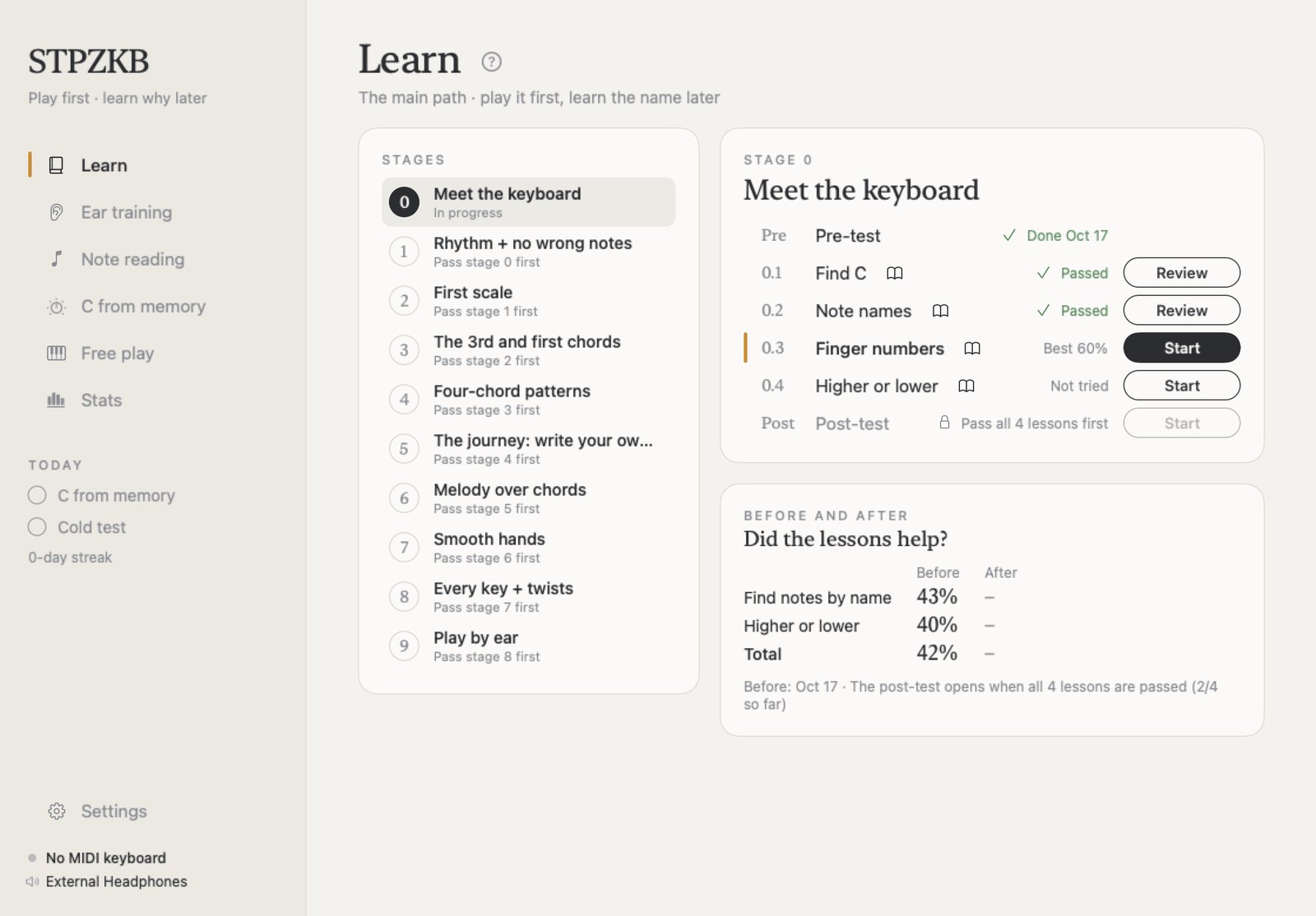
Play it first, then find out why
Every lesson opens with a short demo you follow step by step: look, listen, count, press, hear the result. Then you practise until you get it on your own, and the theory name arrives once you can already play it.
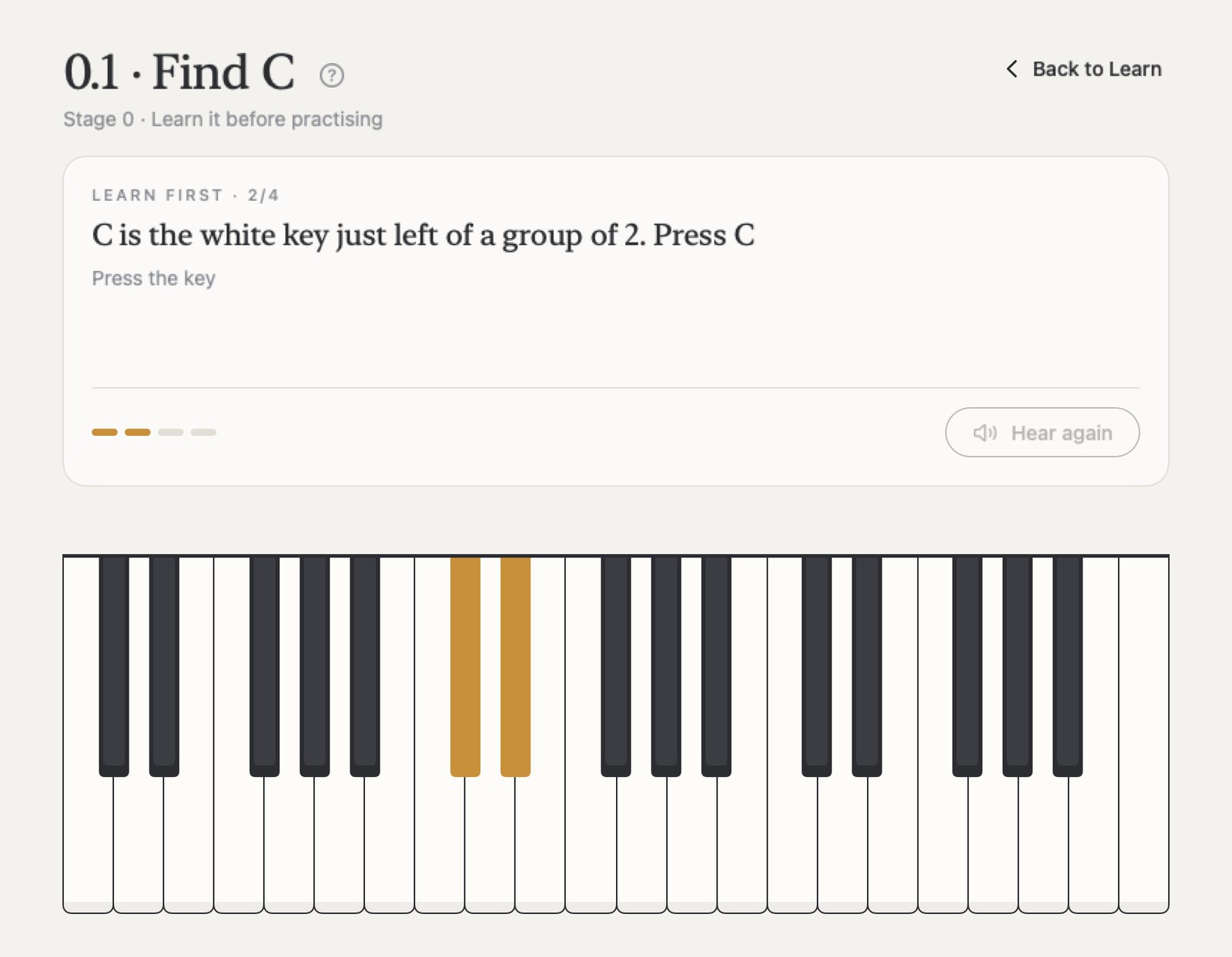
10 stages, one path
Each stage starts with a short test and ends with the same kind of test, so you see how far you came.
0 Know the keyboard
Find C, note names, finger numbers, high or low
1 Rhythm, no wrong notes
Play in time, and improvise on the black keys
2 Your first scale
Half steps, whole steps and the scale formula
3 The 3rd and first chords
Happy or sad, and your first major and minor chords
4 Four-chord patterns
Chords by number: 1-5-6-4 with both hands
5 Write your own journey
Home, away and tension: your own chord path
6 Melody over chords
Which notes fit, which ones clash
7 Smooth hands
Inversions, shared notes and a walking bass
8 Every key + twists
The same patterns in every key, borrowed chords
9 Play by ear
Find home, the bass and the chords of a song
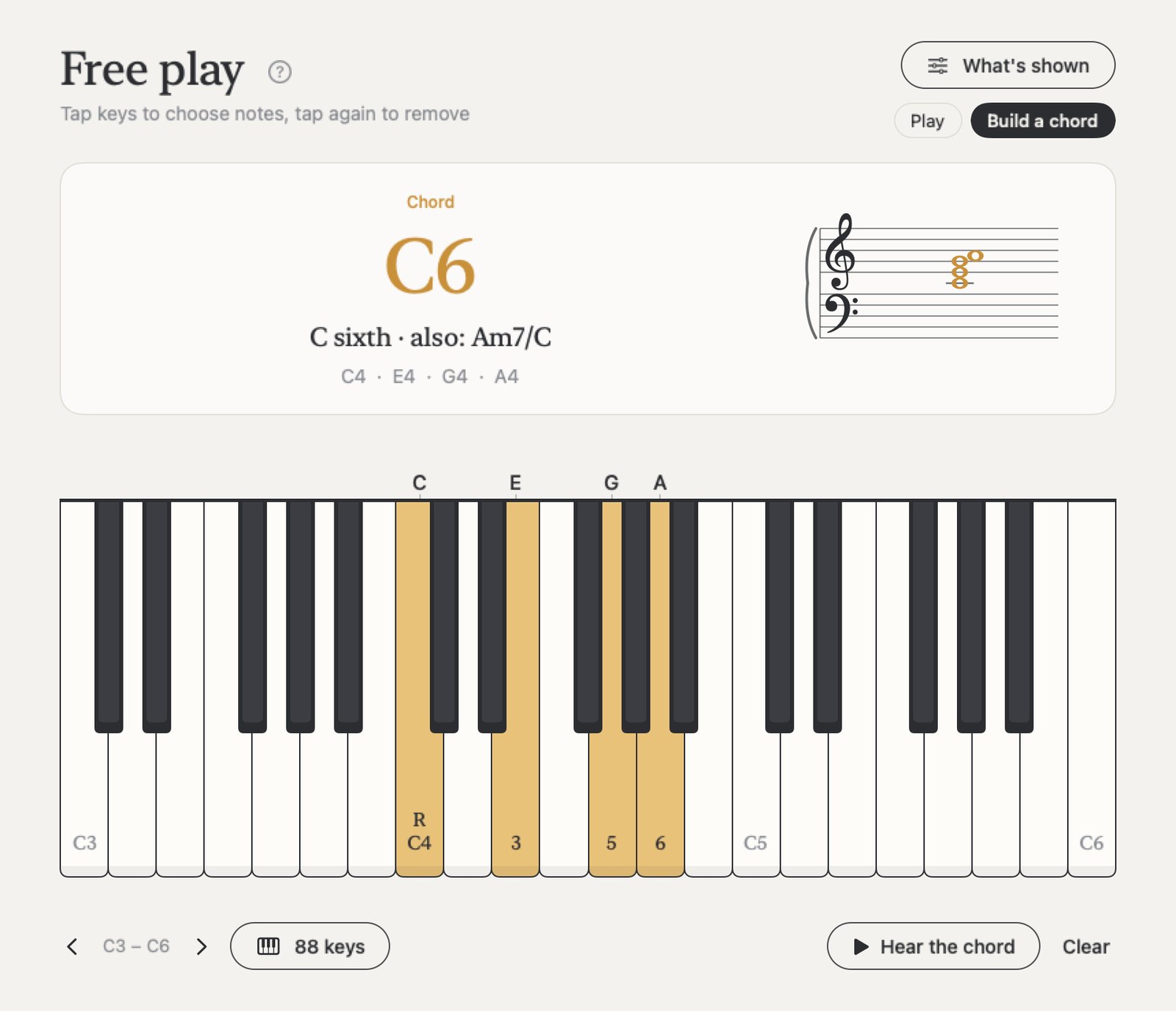
Play freely, see every chord
Hold a few keys and STPZKB names the chord and writes it on the staff. Build a chord note by note, or just play. Ready for a screen recording: the keys light up and the name shows as you play, for your own practice, a class or a video.
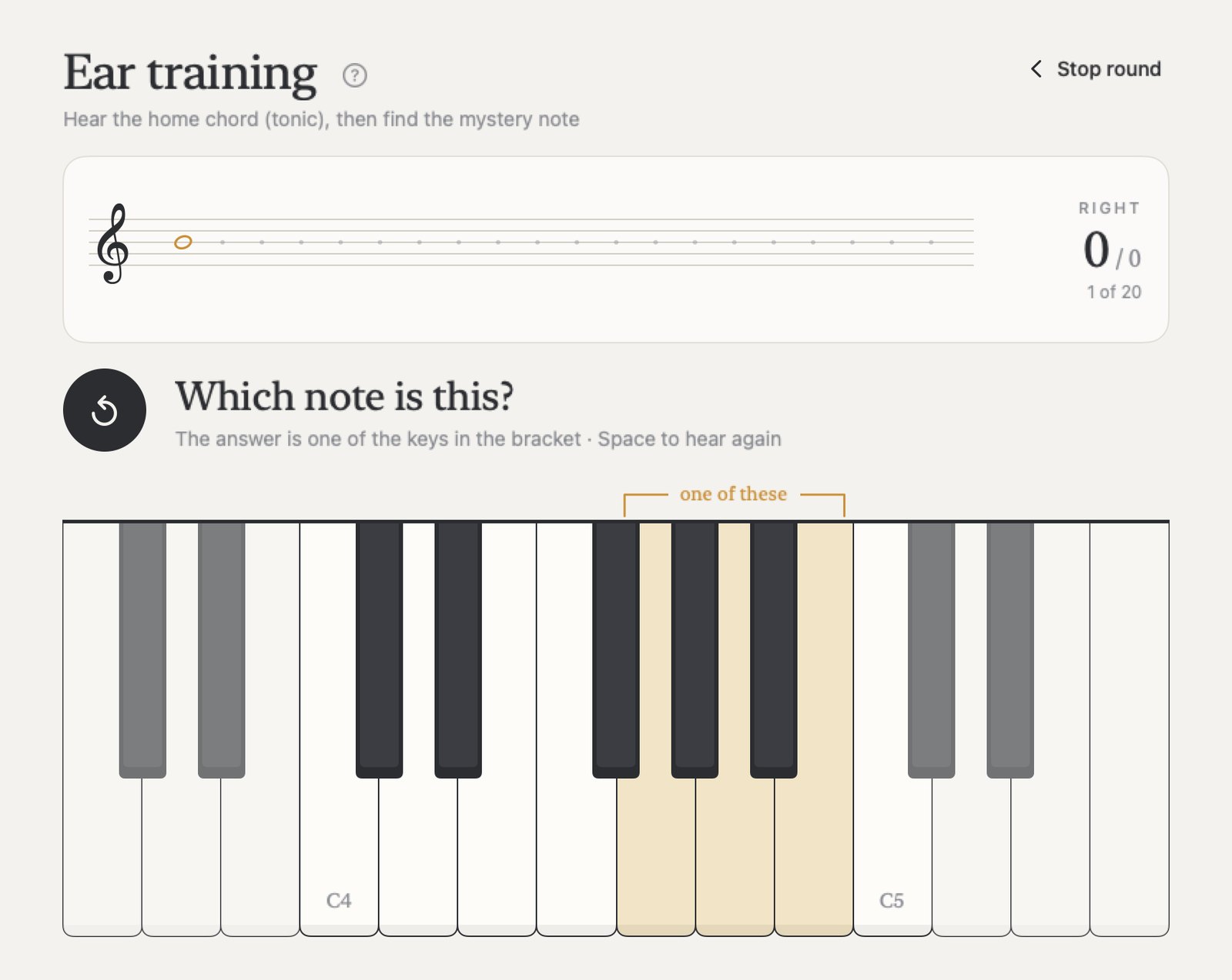
Train your ear
- Hear the home chord, then a mystery note, and find it on the keys
- Find C from memory with a dial, with no starting note
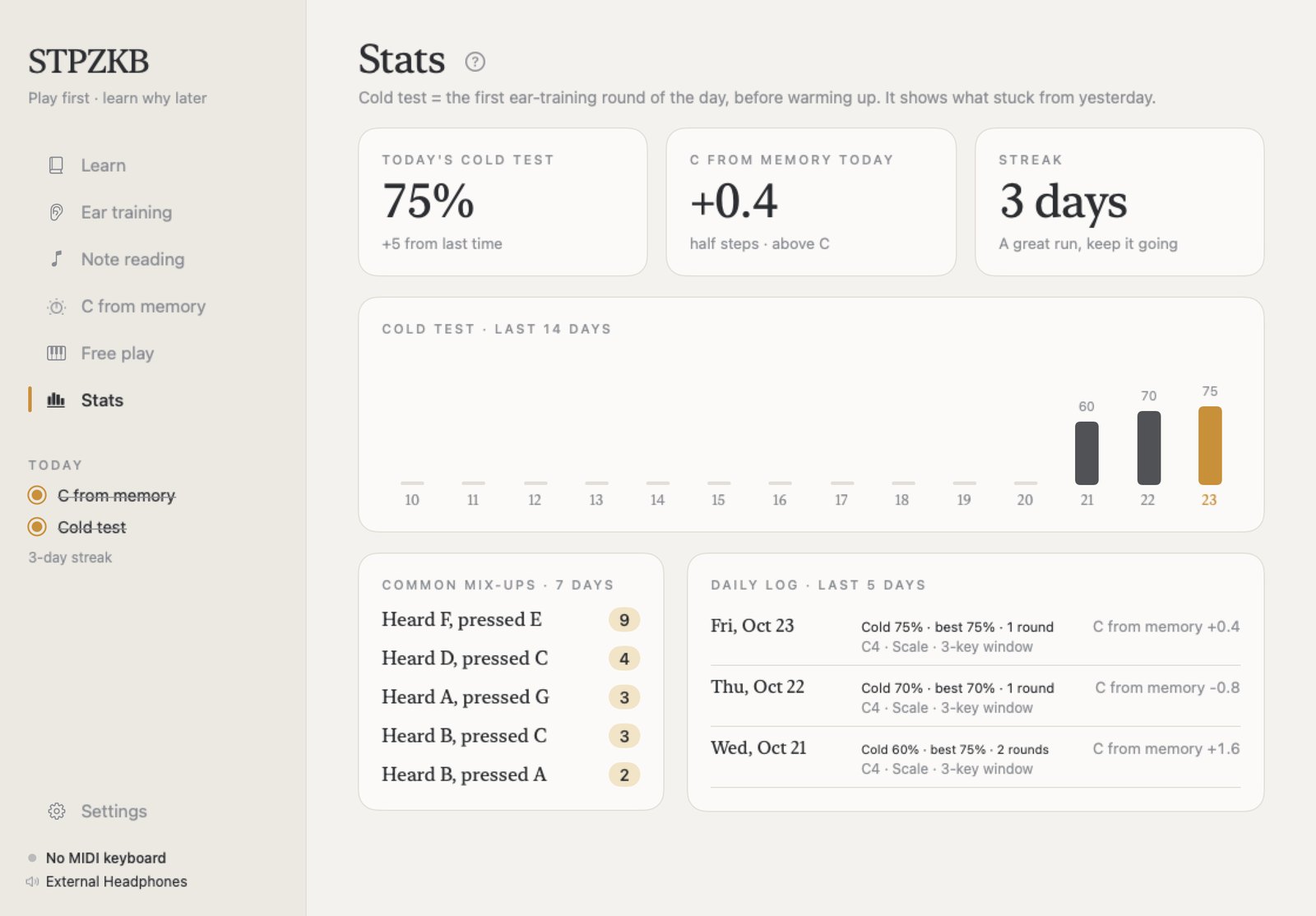
- A cold test each day and 14 days of progress on a chart
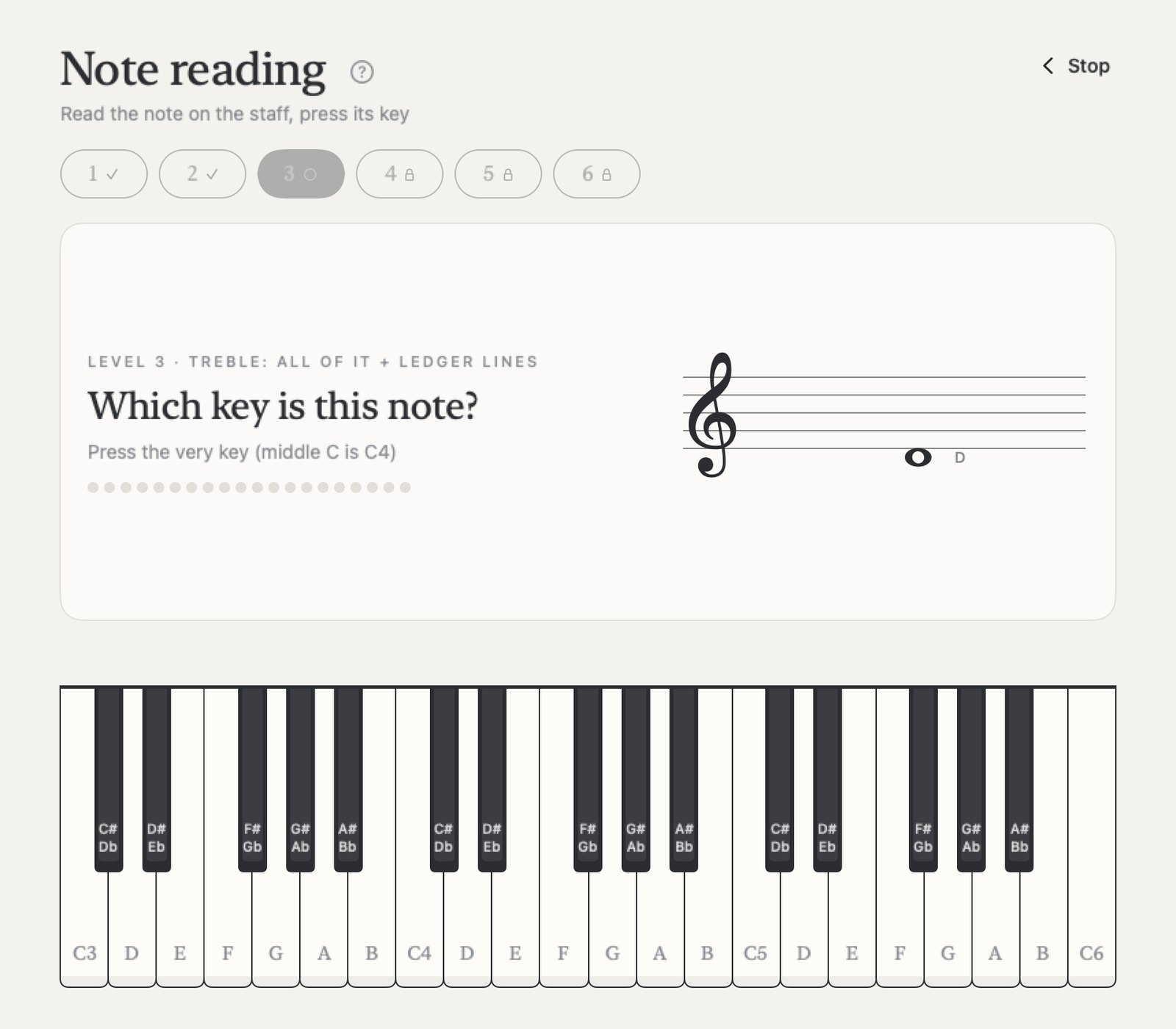
Read notes
- Notes on the staff, treble and bass, in 6 levels up to sharps and flats
- Read whole lines at your own pace, or in time
Play your way
On-screen keys
Several fingers at once on iPad; click the keys on Mac.
MIDI keyboards
Any MIDI keyboard over USB or Bluetooth. Pick the ones to use in Settings.
Computer keys
On the Mac: A W S E D F T G Y H U J K play C up to the next C.
A digital piano
On iPad, play the sound of a digital piano plugged in by USB.
STPZMX sounds
Have our STPZMX synth? Use its sounds in the lessons.
Your progress goes with you
Use the same Apple ID on iPad and Mac, and your progress follows you through your own iCloud. No account to make.
For everyone
For kids from 5 years old, adults starting out, music classes and teachers. English and Thai, Paper and Night looks. No ads, no tracking, no subscription: buy once, use it on iPad and Mac.
Requirements
- iPad with iPadOS 17 or later, in landscape (not iPhone)
- Mac with macOS 14 or later (Apple silicon or Intel)
- Optional: a MIDI keyboard (USB or Bluetooth)